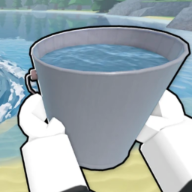
🔄 Core loop
Drain the Lake drain cycle — fill, pour, Tokens, upgrades
Step-by-step Drain the Lake loop: equip bucket, fill at the lake, drain for Tokens, spend at the Upgrade Computer, repeat.
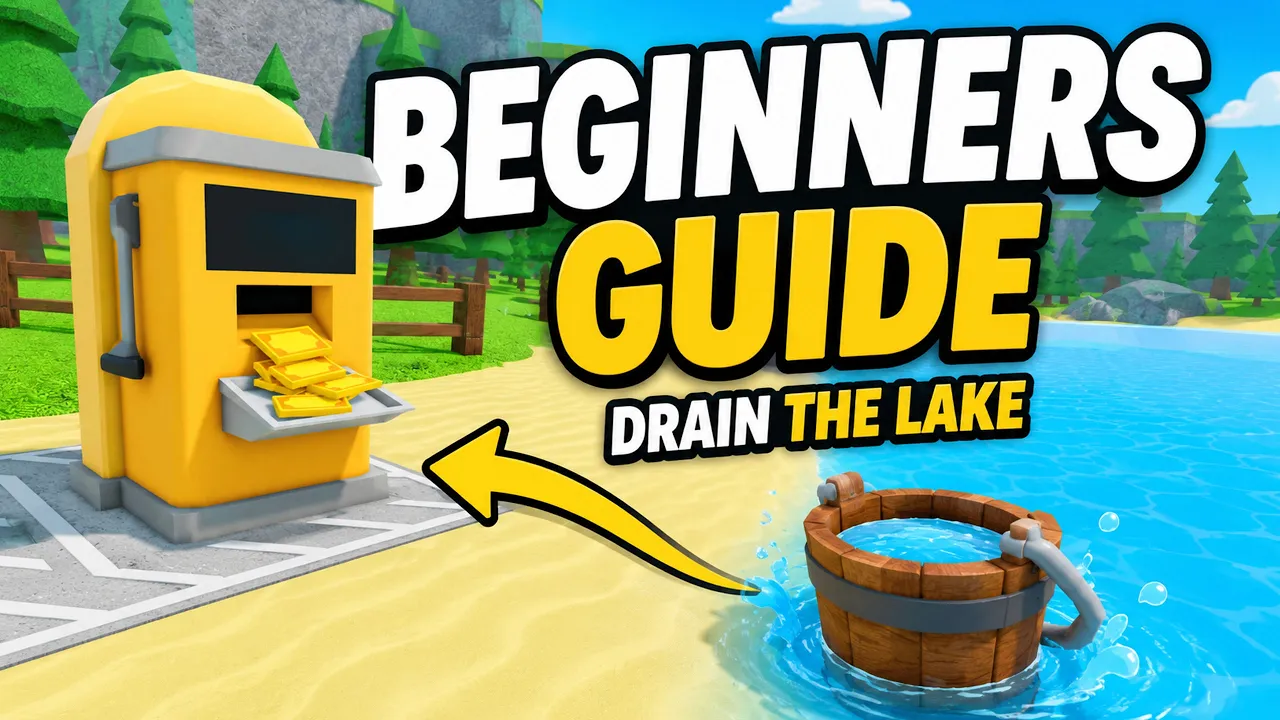
Drain the Lake fill-drain loop for Roblox — optimize every trip.
🔄 Core loop
Step-by-step Drain the Lake loop: equip bucket, fill at the lake, drain for Tokens, spend at the Upgrade Computer, repeat.
Every Drain the Lake run revolves around one rhythm: move water from the lake to the drain station, convert it into Tokens, and buy skill tree upgrades before the next trip.
This Drain the Lake drain cycle page names each step so you can spot bottlenecks — waiting on fill, walking, slow pours, or low payout per drain.
The official Roblox description sums it up: fill your bucket, drain for Tokens, upgrade, go deeper, find your phone. The cycle is the first three verbs on repeat.
Runs reset Token progress when you return to lobby, but Gems, buckets, and badges persist. The drain cycle is how you earn temporary power each match.
New players should read the beginner guide first, then use this page to optimize loops toward the phone quest.
Step 1 — Fill: Equip your bucket, aim at the lake, hold or click until water loads.
Step 2 — Move: Walk to the drain station — or press F on PC to teleport from the lake once unlocked.
Step 3 — Drain: Interact with the station to pour. Tokens appear based on water removed and Reward upgrades.
Step 4 — Spend: Open the Upgrade Computer and buy nodes that fix your slowest step, then repeat.
Memorize Fill → Move → Drain → Spend and you can diagnose any stall in Drain the Lake Roblox within one minute.
| Step | Action | Output |
|---|---|---|
| Fill | Bucket on lake surface | Stored water |
| Move | Walk or teleport to drain | Position at station |
| Drain | Pour water out | Tokens |
| Spend | Upgrade Computer | Faster next loop |
The bucket only collects when your cursor or aim targets the lake — not grass, docks, or air. This fixes most "bucket not filling" reports in Drain the Lake.
Bucket range extends beyond your feet. Stand on shore while aiming at water to stay safe from sharks later — see the buckets guide.
On mobile, holding the screen often fills continuously; on PC, left-click spam or hold works per platform defaults on the controls page.
If fill time dominates your cycle, buy Bucket branch nodes before walking upgrades on the skill tree.
Walking time between lake and station is why Character movement upgrades rank highly in shallow Drain the Lake Roblox runs.
Press F while at the lake (PC) to snap to the drain when the shortcut is available — pair with movement nodes for maximum trips per minute.
The pour step becomes its own bottleneck once capacity grows. Mid-run Quick Drain upgrades on the best upgrades page exist for that phase.
Each successful drain lowers the lake level slightly across the map — progress is shared visually even in 12-player servers.
Tokens vanish when the run ends — spend them on the current match, not hypothetical future runs.
Buy one or two cheap nodes per trip instead of hoarding. Hoarding while walking slowly wastes the whole Drain the Lake drain cycle.
Use the bottleneck table on best upgrades to pick Character, Bucket, or Reward first.
When shallow income plateaus, pivot to Depth gates and checkpoint pushes on the depth guide.
| Bottleneck | Branch | Tier |
|---|---|---|
| Slow fill | Bucket fill / capacity | S |
| Long walks | Character movement | S |
| Slow pour | Quick Drain | A |
| Low payout | Reward / Token income | S |
While repeating the core loop, watch for chests exposed by dropping water. Opening them grants Gems that fund lobby buckets between runs.
Checkpoints appear as flag masts in the water — activate them so deaths in deep Drain the Lake layers do not send you back to spawn.
Swimming (Plunge badge) and shark encounters (Shark Bait) are optional side paths during the same fill-drain rhythm — not separate game modes.
Claim badge Gems in lobby between runs; they multiply how strong your next cycle starts via bucket passives.
Too much waiting at the lake → Bucket fill speed or capacity on the skill tree.
Too much walking → Character movement; reconsider after deep checkpoints shrink the map.
Too many partial trips → Bucket capacity before more fill speed.
Tokens feel low per pour → Reward branch cheap nodes.
Progress flat after depth unlock → pause Depth purchases; read stuck fixes.
Track loops mentally: if four steps take 60 seconds, saving five seconds on fill pays off within a dozen cycles in Drain the Lake Roblox.
Fill bucket at lake → move to drain → earn Tokens → spend at Upgrade Computer → repeat.
Same four steps — add shoreline fill, checkpoints, and Quick Drain upgrades for sharks and pour lag.
No. Gems, buckets, and claimed badges do carry over.
Fix your bottleneck branch first — see best upgrades and skill tree tier list.
Matched by build plan, shared topics, and guide progression — not random related links.